Wednesday, April 15, 2020

New game underway


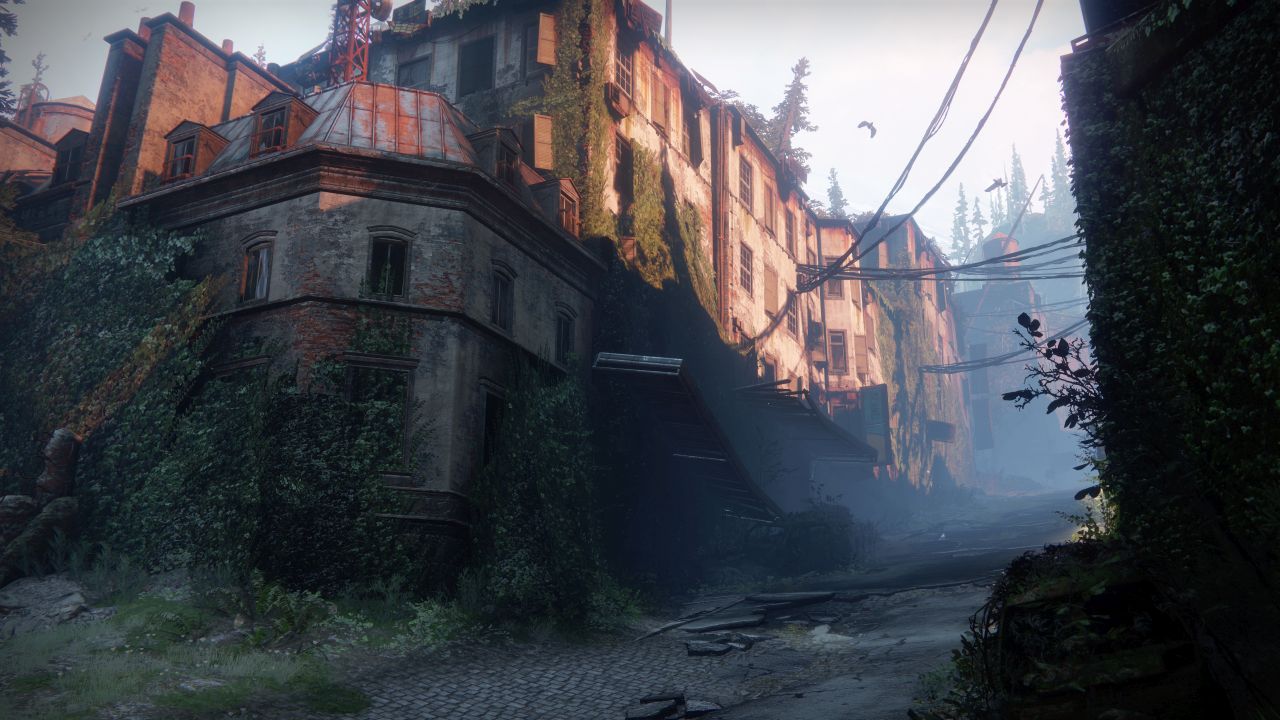
Since the summer of 2017 I have been working part time on a game written in C++ using the UE4 engine (see above).

I recently played thru Half-Life Alex and it has became apparent that UE4 is lacking. I have stopped development and turned all my attention to learning how to write a game engine. I purposely wrote the game with no levels built in UE4 and no scripting in UE4.

It may be unrealistic to swap out UE4 for my own engine but I'm going to give it a shot. Even if I fail I expect I will learn a ton.

I am following the game engine series by "The Cherno". This guy is incredibly knowledgeable. I have decided to become a Partner Patreon member and are diving deep into all his videos.

OpenGL is the current series I am starting

Tuesday, September 10, 2019

Classic WOW Design


I've never been a serious WOW player. I've never even taken a character to max level. If there is such a thing as a filthy casual, that's me (except I take showers).

So when WOW classic came out, I figured I'd get it a fresh go. As a game designer, these are my thoughts so far:

Traveling to places requires a lot of walking
Some quests require you to walk for minutes to reach your destination. It forces you to learn the landscape. It increases immersion. As far as I'm concerned, flying mounts should have never been added to the game. It detaches you from the environment.

Energy/Mana management is important
As a mage, it usually takes half my mana to kill a single enemy. If another enemy attacks me, I could run out of mana and die ... so after every kill I stop to refill my mana.

Attacking 2 enemies/mobs at once, usually means you will die
I'm used to Destiny and Diablo where you can steam roll over stuff. No can do in wow. If I see two enemies grouped together, I pass on attacking them solo. That adds a tactical component to the game. I hate that Destiny does not have this. Destiny's design approach is just to flood an area with mobs are rely on your twitch skills or constant re-spawning to get thru an area. It didn't used to be like that. In the original Destiny 1, you could slowly work your way through nightfall solo and get a halo achievement for that. Not any more. You play fast, accurate and furious or you suck.

The world feels vast
It may look primitive but the environment goes on without pause. Modern games like Division, Destiny or Anthem put too much emphasis on fantastic visuals. These visuals require significant load times that they hide with maps or flying ships or in Anthem's case ... not well at all. I think there is a case for simpler graphics that allow the landscape to stretch on forever.

People are friendly
Very rarely do I encounter anyone that is not friendly.This is due to several factors:
1. People playing classic wow are probably a majority of veteran players who are good mannered.
2. Buffs matter. Putting a buff on someone as you pass by is a way of saying hi in a meaningful way.
3. You need to cooperate to beat stuff and being caustic isn't doing you any favors.

Respawning is something you need to pay attention to
If you need to penetrate into an enemy camp and kill high level mobs to get there, you need to watch your back. Enemies are going to respawn behind you and could trap you. And... if you die in an enemy camp, you may not find a safe spot to revive.

Some non-dungeon areas require grouping with others
I played a were-wolf area last night that required groups of people working together. I really want to complete every quest and there was no way I was completing those quests without the help of others. There was one quest (ambush) where I got what I needed and I just stuck around for another 15 minutes until everyone had a chance to complete it.

Money is tight
Gold... OMG... It is hard to get this stuff. Having to earn money makes you appreciate it. You don't have enough to spend it on everything you want (training, profession, items) so you need to carefully choose what you want.

Leveling is slow
It takes hours to go up one level. When you do level up, you stop to put a point in your talent tree... because those upgrades matter.

Quests are important and take time to complete
In modern wow, I didn't pay much attention to quest text. In classic, I read it all because I know I'm not going to level out of an area before I complete the quests. Last night I was struggling to find anything to do in an area that I was not done with. That forced me to go into harder areas to complete lingering quests.

The death penalty is rough
If you die, you may walk minutes to get back to your body. After dying a few times, you think really hard about that. I'd say it isn't quite as punishing as Dark Souls where you have to fight your way back to your body to get the resources you lost, but it is punishing.

Closing thoughts
Wow classic is a solid old school game. Modern games try to hook you with quick leveling, no death penalties and fremium addictive RNG/Gambling aspects. Wow classic has none of that and it is refreshing.

Wednesday, October 25, 2017

The State of VR

The State of VR


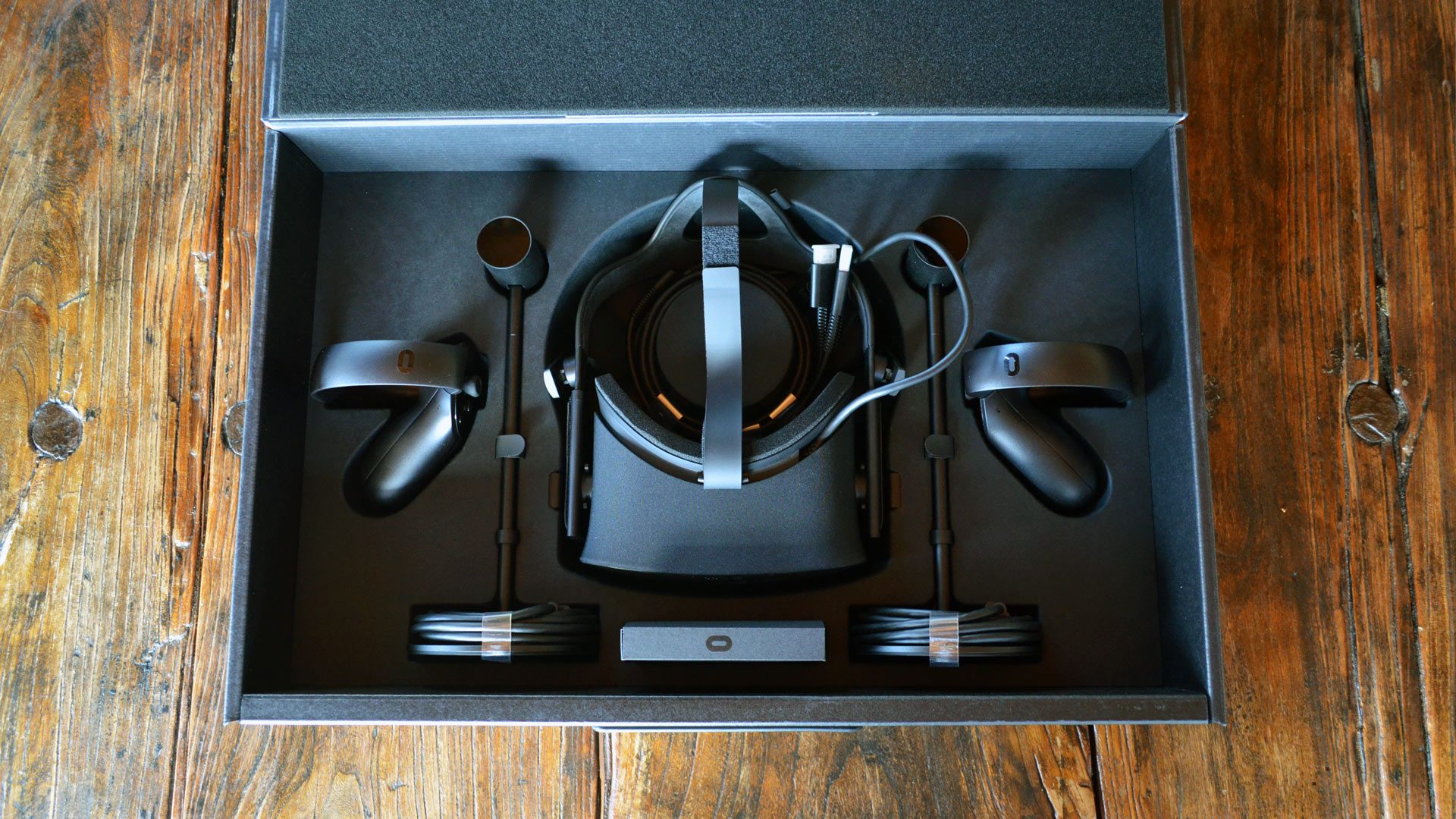
Oculus Rift is clearly experiencing trouble selling their headset. In May they had to shut down their Film Studio and they've slashed the price of their headset several times.

Is this a clear sign that VR is a failure?
I don't think so.

I am bullish on VR. It is not an if but a when. It is the when that is the issue.

Processing Power Limitations
I think the problem is we don't have the processing power or appropriate pricing of that hardware for VR to become mainstream. To render each eye at 90 frames per second and deliver a AAA game experience is impossible with today's hardware. I have struggled with this a lot in my game design. I have taken the route of allowing the game to automatically adjust scene complexity based on frame rate. The result is little to no stutter but the visuals can't come close to approaching Destiny.

Similarities to Tablets
When Tablets first hit the scene, the size of the screen was small, the interface was clunky and the processing power was not up to the task. Now everyone has a tablet. Technology and Software have arrived to allow us to have a powerful touch computer in our hands. VR is in a similar state. The hardware just isn't there and it is probably 10 years down the road before cheap fast hardware is available.

Saturated Market
VR at this point is pretty saturated for what it can deliver. Because of hardware limitations it feels less like a gaming platform and more like a gimmick like the wii. Once you become accustomed to it, you find most experiences shallow and don't stack up to AAA titles.

In the next few years we are likely going to see VR stagnate. This will continue until hardware becomes powerful enough

Standing vs Sitting
One of the other problems with VR you need to stand for an immersive experience. This has already been done 3 times: wii, xbox and playstation. I think people are tired of setting up sensor bars and getting off the couch. You need to have a very compelling reason to get people off the couch and current VR hardware and software are not cutting it.

Summary
All of this sounds pretty dire but I think this is good for VR developers who are in it for the long term. I do this as a hobby and don't have to worry about making money from VR. I can build the type of experience I want and know it will be unique because there is little competition in this space.

Monday, September 25, 2017

Game Design Observations

Game Design Observations

My game is going to be large and open for the player to go in whatever direction they want. I've been playing Destiny 2 pretty heavily the last week and thought I'd look at some popular games and make some observations.

Here are 5 games that I think are worth evaluating:

Destiny:


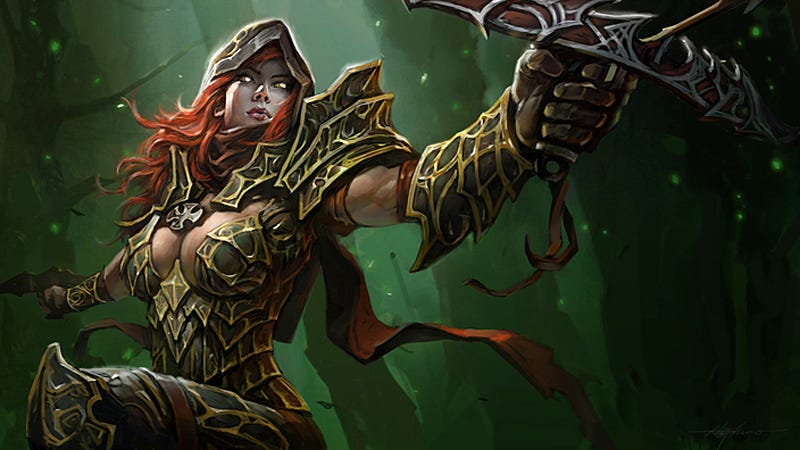
Diablo:

Zelda:

Pokemon Go:

Skyrim:


What drives you to explore?
Destiny: Search for better loot.
Diablo: Search for better loot.
Zelda: Search for better loot & Story
Pokemon Go: Find rare Pokemon
Skyrim: Quests. Loot is mostly irrelevant.

How does your character level up?
Destiny: Items (Light Level)
Diablo: Experience & items
Zelda: Experience
Pokemon Go: Not relevant
Skyrim: Using the ability you want to level up

What keeps you playing?
Destiny: loot and friends playing together
Diablo: trying to reach highest greater rift
Zelda: end of story
Pokemon Go: Find rare pokemon and level up existing ones
Skyrim: Completing quests, finding new areas, raising character level

What sucks?
Destiny: Once you hit 260 light, it becomes a grind. You are often forced to use weapons you hate.
Diablo: Once you reach Torment 10 or so, it becomes a grind. Power level has gotten out of control.
Zelda: Weapons break.
Pokemon Go: It is hard to find rare Pokemon
Skyrim: Everything starts to look the same

What 1 improvement would I add?
Destiny: A wider range of improvements on the high end. Light level should keep going to 400+ with high level content available to dedicated players.
Diablo: Fix legendary gems. They are a storage nightmare.
Zelda: I didn't finish it. It really didn't like constantly breaking weapons. This felt like Halo.
Pokemon Go: Make the Pokemon locator work again... idiots.
Skyrim: Make loot more valuable

Reflections on how to design my game:
1. There needs to be something happening around you constantly.
2. Enemies need to be frequent, varied
3. Events should occur that you can find and complete
4. You can find items/enemies via a locator
5. Character level should be unlimited and driven off gear.
6. Gear can be upgraded without a great hassle.
7. There needs to be quests to complete with rewards.
8. Areas of the game get harder as you go further driving you to improve your gear.

Monday, September 18, 2017

Destiny 2 Graphics

Destiny 2 Graphics


I've played a lot of Destiny over the last few years. Yesterday I got the itch to play again so I picked up Destiny 2 ... and ... played it for most of the day.


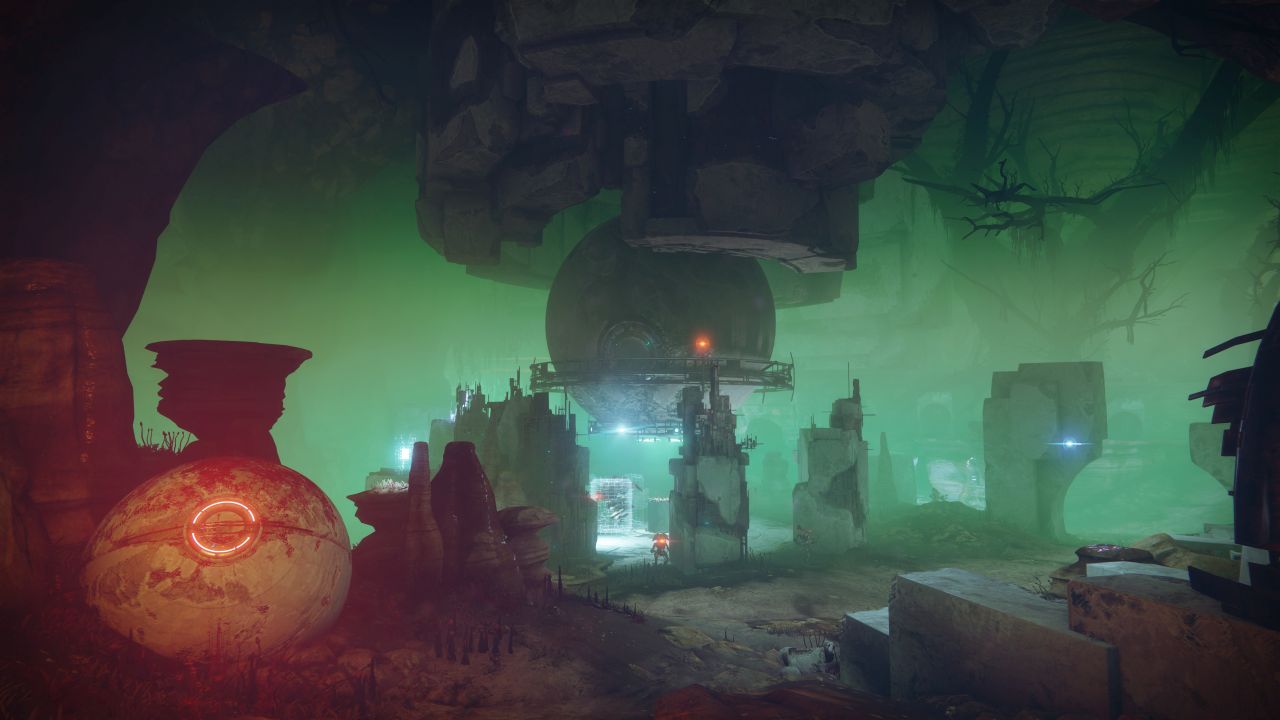
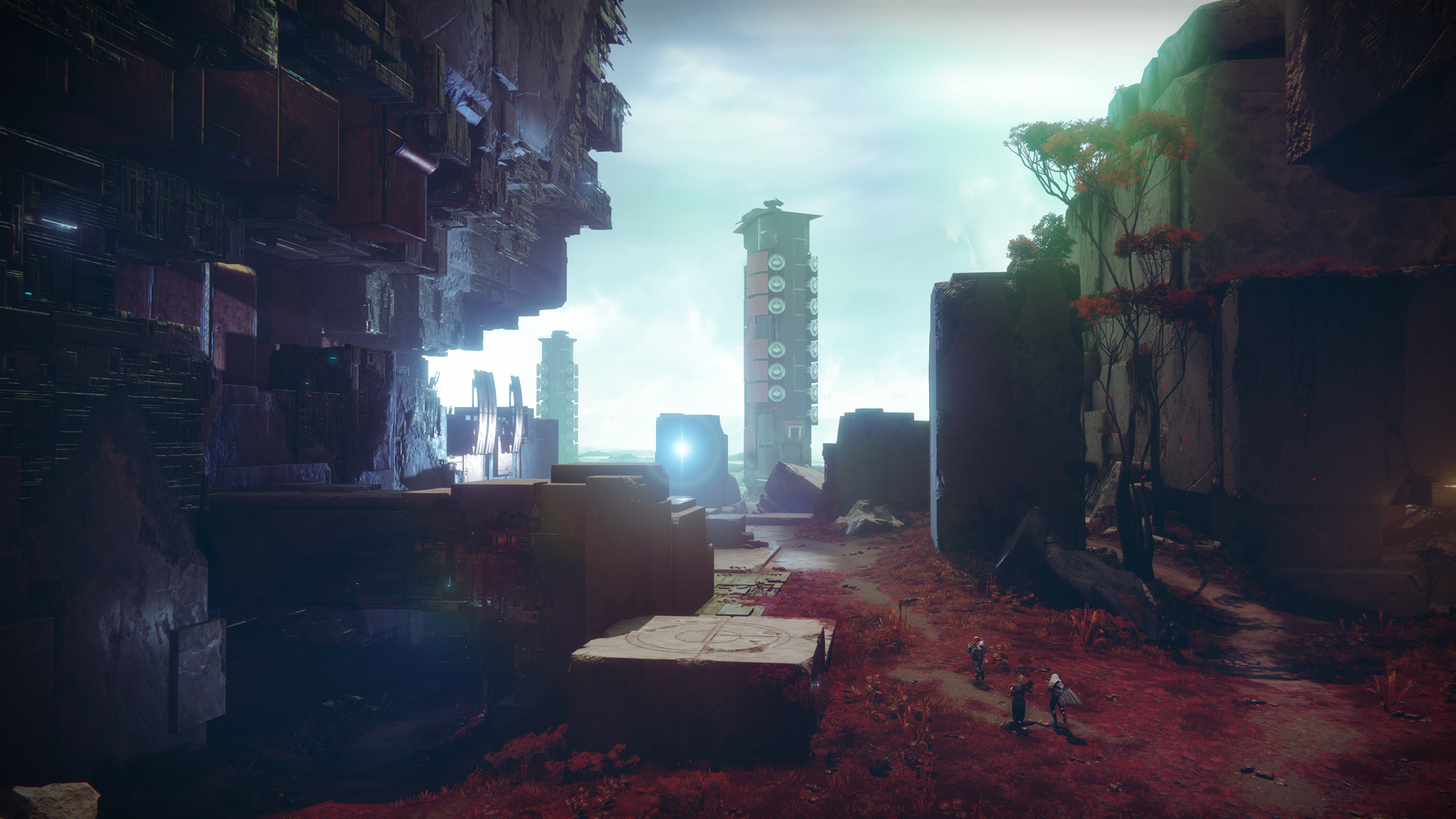
Man... that game's graphics are amazing. I am officially intimidated by it.
But again... they have spent hundreds of millions of dollars on it so I expect it but still...


I think what they do is build the scene with a multi-texture material. When they are all done, anything that is static is converted into a single landscape mesh using that material. The result is stunning.


Tuesday, September 12, 2017

Working on Urban Layout

Working on Urban Layout


I've been working on an urban layout now that I know the scale I need to construct the world.

Here is a sample I put together yesterday:

You can teleport in all directions forever and it will continue to build a random city with no stutter. This is obviously very primitive but I was more concerned with performance and how things looked at this scale and whether it would continue to look vast (it does).

Next I am going add elevations for the urban layout and see what that looks like.

Just for a bit of fun, I adjusted the layout to not have a road :)


Sunday, September 10, 2017

Augmented vs Virtual Reality

Augmented vs Virtual Reality


I think there is a recent misconception that being able to walk around your house via inside-out tracking is the next big thing.

In my mind, augmented and pure virtual experiences are different beasts. I think both are valid applications but a pure virtual experience is not going to have you walking around your house. You are going to need to be in a space that allows some freedom of movement but you are going to need to teleport around the virtual world for it to be immense.

I am tired of virtual experiences that confine me to a space. I feel like I am on a stage and it breaks the immersion. The next generation of virtual reality experiences need to allow you to go in all directions indefinitely and not have crappy/low-res graphics.

Having a world that unfolds infinitely in all directions allowing unlimited freedom of movement is the primary design decision for my upcoming game. That is what I want from virtual reality and so that is what I am going to deliver.

It isn't easy. No it is not... but... my latest experiments show it is possible if you build a reality creation frameworks specifically for the needs of VR.

Saturday, September 9, 2017

Distance Resolved

I have basic elevation working and have resolved the distance rendering issue so that the world looks immense.


Tuesday, September 5, 2017

Elevation is Working

Elevation is Working


Elevation is hard. Really hard.

I got the basic framework for it working today. It works surprisingly well. I have a long way to go, but this is definitely a step in the right direction. I added an elevation that goes up and to the right indefinitely. I teleported around about 1/2 a mile up and it kept working like a champ.


Monday, September 4, 2017

Foliage Lag

Foliage Lag


I have foliage working again. I have disabled deletion of foliage for the moment but I have a plan on how to efficiently manage rebuilding foliage indexing if it is needed. The basic framework is in place for it.

My bigger concern is trying to determine the most effective use of foliage.

I made all my props foliage and noticed that large foliage objects (walls) create lag where non-foliage actors do not. This means foliage works best for smaller objects. It may be that foliage comes into play for an actor when it is further away from the player. That would be painful to implement so I'm just going to stick with foliage for small objects like grass for now.

Foliage for grass did improve performance so it is working as expected.

Today's task is fading the camera in and out for teleportation when I know it require significant adjustments to the scene. Knowing unreal, this will be a herculean task. It looks simple but I'm sure it is going to suck for some unforeseen reason.

------------- UPDATE -------------

I got the teleport fade out implemented in about an hour. It works very well. I only need to do it when I know a lot of processing is about to occur.

After some experimentation, I have decided foliage is bad for performance. Frame rate starts out great and you think foliage is helping. But... I started getting low frame rates after teleporting around a while. I removed the foliage and voila, frame rate never went low again.

This is really unfortunate. I probably spent several weeks carefully incorporating foliage into my framework. Oh well.

Sunday, September 3, 2017

Distributing Processing Over Time

Distributing Processing Over Time

Since the game now adjusts its quality automatically, I can try out different strategies and see which ones improve game quality.

My first change was to distribute load over time. I changed my world generation logic to queue changes instead of processing them all at once. About 10% of the queue is then processed every frame/tick.

This had an amazing improvement in performance. It improved quality by a factor of 4!

This evening I will changing my foliage logic and see how that changes the quality.

Saturday, September 2, 2017

Automatic Quality Adjustment

Automatic Quality Adjustment

Everything in my game is dynamically added as the player moves around the world. I've been thinking about how to automatically improve FPS (Frames Per Second) by adding logic to the game mode tick.

I did that today and it works amazingly well. The game now monitors FPS and if it dips below 80, it slowly reduces game quality settings until it is at least 80 FPS. I also have it automatically improve quality if FPS goes above 85.

I teleported around the world for several minutes and there was no stutter. It was interesting to see what settings the game settled on versus what I thought was acceptable. It was much lower but my FPS stabilized at 85. I know 85 is below the recommended 90, but 85 looks fine to me.

This means the game will automatically adjust itself based on the player's graphics card without them having to adjust any settings.

Next I will rewrite my foliage logic and see what quality settings the games adjusts itself to. I expect it to get better.

Sunday, August 27, 2017

Foliage Gotcha

Foliage Gotcha


Foliage is a copy of a mesh that renders very fast. All foliage based on a mesh render the same way except they have a different location, rotation and scale. This allows you to put a lot more items on the screen.

When you add foliage, you get an index. That index matches an entry in an array on the parent mesh the foliage is based on. Problem is, if you delete any foliage, the arrays shrinks invalidating the indexes you were previously given. I did find a way around this issue but in the end, the performance downside of managing foliage indexing outweighs the performance gain from using foliage.

More work is needed in this area, but for now, I am disabling foliage on all my meshes.

Exactly what was unreal thinking when they designed this? The only handle you have to the foliage is an index they give you. That index can be invalidated by deleting any other foliage. wtf?

I have spent a LOT of time incorporating foliage into my framework. I think I may have to stop using it unless I stop deleting foliage unless it is absolutely necessary.

Monday, August 21, 2017

Missing UPROPERTY woes

Missing UPROPERTY woes


Over the last few days I have rewritten my world coordinate system. This was no small task affecting everything in a profound way.

I was testing it and Unreal blew up with a memory allocation issue. I had no idea what was going on but running out of memory this early in development is very frightening. I tried it again and eventually it blew up again in a different location with a memory allocation issues.

I did 2 memory dumps, one when it started and one after moving around a while and saw nothing unusual.

Then I decided to review all my code for missing UPROPERTY. UPROPERTY is a pre-compilation macro that tells Unreal that it needs to manage the variable in memory versus destroying it on a whim.

I found 2 missing UPROPERTY variables.

Once I fixed those everything was fine again.

That is very scary. I need to have a strategy of isolating all member variables for a class at the top of the header file and review them occasionally to ensure every one of them is a UPROPERTY.

Sunday, August 20, 2017

Vive Controller Jitters

Vive Controller Jitters


Well, I discovered something new last night. I didn't know exactly what it was until I did some experimentation.

If you move your character past coordinate 100,000 or so in any direction, the controller starts to shake. It continues to get worse as you go past that. Lets just say at 9,000,000, it is very painful.

I suppose unreal never noticed this since most people build VR games within a tiny play space.

This means I will need to keep re-positioning  the player within 100,000 Unreal coordinate space. I can build the world beyond that but the player needs to stay within there. This is doable based on the way I construct the world, but I've got to rewrite some code I thought was finished...

Friday, August 18, 2017

Teleport Arc Rumble

Teleport Arc Rumble


What I thought was going to be a 1 hour task turned into a deep dark black hole of hell.

I did not find a single example of someone successfully rumbling the Vive controller from C++.

I have code that should work but it does not and I am tired of fighting with it right now.

So... I went the opposite route and worked on calling a blueprint method (which I know works) from C++. That was an extreme pain as well.

If you construct a blueprint object via Spawn it will not call blue print methods.

I had to resort to dropping a blueprint actor (that subclassed a C++ class I created) into the scene and then find it once the game started. That gave me the ability to call blue print custom events.

Unreal fights me every inch of the way...

Thursday, August 17, 2017

Vive Teleport in C++ : Wrap Up

Vive Teleport in C++ : Wrap Up


I've finished the visual piece of the teleport. Here is a combined screen shot of failure and success:


Notice how the red teleport circle matches the normal of the plane it hits.

It is snappy, completely in C++ and does not rely on the overhead of the navigational mesh that comes with the Unreal example. It only relies on the teleport meshes I have on the screen.

My goal is to match the gold standard that is Valve's VR Room. That is the level of polish I want for my game. It looks simple and feels natural.

Hats off to Valve for pushing VR tech forward so that we can have a holodeck for the home.

Next is to actually teleport and polish my world generation logic.

Wednesday, August 16, 2017

Vive Teleporter in C++ : Part 3

Vive Teleporter in C++ : Part 3

I have the teleport arc working in C++

Problem is that it doesn't collide with anything on the screen, only the static nav mesh that came with the example. I left that under my world construction so I can teleport around with the old code. My goal is to get rid of it so I'm going to need to change this...

From what I understand, there are collision channels. I need to put all my non-plant meshes in a custom collision channel and use that for detection. Or... at least that is the theory.

I think I am going to have to rip this code out of unreal and customize it at some point but if I can avoid that for a while I will.

....

Tracing this arc only seems to work for static meshes predefined in the level.

The trace logic is a black box to me. It leaves me no choice but to copy all the tracing logic into a utility class I control and start figuring wtf is going on here.

Unreal has no end to the pain it puts me through.

...

I think I have this figured out. I created a utility class and moved these 2 methods into it:
Blueprint_PredictProjectilePath_ByObjectType and PredictProjectilePath

I then altered PredictProjectilePath to force a channel trace instead of ObjectType trace.

That hit every mesh on the screen.

I then added a tag to each mesh.

Next came collision. I switched ground and walls to complex collision on the mesh.

For the teleport areas, they are planes and Unreal's collision mesh didn't work. I had to add a collision mesh for the teleport planes. Once I did this, the channel trace found it and identified the teleport areas.

Now it is just a matter of clean up and moving onto adding an end point that matches Valve's VR implementation.

I am getting occasional stutter, but I think it is the log spewing out too much info.

Vive Teleporter in C++ : Part 2

Vive Teleporter in C++ : Part 2

Mapping controller buttons into code went very well.

Now onto the teleport arc. Here is the code in blueprint:

Everything is flowing in and out of that big blue-header box.

I found the method:
UGameplayStatics::Blueprint_PredictProjectilePath_ByObjectType

That thing takes in 16 parameters!

Who the hell names a method Blueprint_ ?

Fortunately we can see all of them on the screen but 1. Some of the parameters are output parameters. I actually have my code calling this method on teleport button press and getting 60 points back that appear to be along an arc. Now I just need to build a spline based on these points.

Since nobody on the planet seems to be calling this method from C++, let me help you:

UObject* WorldContextObject = GetWorld();

Location = RightMotionController->GetComponentLocation(); ForwardVector = RightMotionController->GetForwardVector();

// INPUT --------------------------
FVector StartPos = Location;
float Velocity = 900.0f;
FVector LaunchVelocity = UKismetMathLibrary::Multiply_VectorFloat(ForwardVector, Velocity);
bool bTracePath = true;
float ProjectileRadius = 0.0f;
TArray<TEnumAsByte<EObjectTypeQuery>> ObjectTypes;
ObjectTypes.Add(EObjectTypeQuery::ObjectTypeQuery1);
bool bTraceComplex = false;
const TArray<AActor*> ActorsToIgnore;
EDrawDebugTrace::Type DrawDebugType = EDrawDebugTrace::None;
float DrawDebugTime = 0.0;
float SimFrequency = 30.0;
float MaxSimTime = 2.0;
float OverrideGravityZ = 0.0;

// OUTPUT --------------------------
FHitResult OutHit;
TArray<FVector> OutPathPositions;
FVector OutLastTraceDestination;

bool HitSomething = UGameplayStatics::Blueprint_PredictProjectilePath_ByObjectType(
WorldContextObject,
OutHit,
OutPathPositions,
OutLastTraceDestination,
StartPos,
LaunchVelocity,
bTracePath,
ProjectileRadius,
ObjectTypes,
bTraceComplex,
ActorsToIgnore,
DrawDebugType,
DrawDebugTime,
SimFrequency,
MaxSimTime,
OverrideGravityZ
);

Tuesday, August 15, 2017

Vive Teleporter in C++

Vive Teleporter in C++


I've been programming a long time and I must admit the teleport blueprint example from Unreal is very intimidating. Converting this to C++ feels like a major task


It reminds me of an airplane cockpit:


Well... with anything big, you eat it one bite at a time.

The first bite was getting VIVE controllers into my game in C++. That was easier than I thought and covered in a prior post.

The second bite is firing off my C++ code when buttons are pressed.

This is a great article on doing this:
http://jonaskunze.com/accessing-htc-vive-controllers-from-c-in-ue4-4-13-and-4-14/

I don't want to break the existing teleport example in Unreal so I have to figure out which buttons are already mapped and use event names instead of the ones in that example. Eventually I will rename the event names to be generic but that will be a last step in the process.

I think this image is very helpful:

I compared the button mappings in my current DefaultInput.ini, to what that article listed. Here is what I have:

 Action Mappings:
  TeleportRight (RightTouchpadPress) = MotionController_Right_Thumbstick
  TeleportRight (RightTouchpadUp) = MotionController_Right_FaceButton1
  GrabLeft (LeftTrigger) = MotionController_Left_Trigger
  GrabRight (RightTrigger) = MotionController_Right_Trigger
  TeleportLeft (LeftTouchpadPress) = MotionController_Left_Thumbstick
  TeleportLeft (LeftTouchpadUp) = MotionController_Left_FaceButton1
  HMDTeleport

 Axis Mappings:
  TeleportDirectionUp = Gamepad_LeftY
  TeleportDirectionRight = Gamepad_LeftX
  MotionControllerThumbLeft_Y (LeftTouchpadY) = MotionController_Left_Thumbstick_Y
  MotionControllerThumbLeft_X (LeftTouchpadX) = MotionController_Left_Thumbstick_X
  MotionControllerThumbRight_Y (RightTouchpadY) = MotionController_Right_Thumbstick_Y
  MotionControllerThumbRight_X (RightTouchpadX) = MotionController_Right_Thumbstick_X

The name on the left is what the Unreal teleport example calls it.
The name in parens is what the article calls it.
The value on the right is the actual action/axis event.

To start with, I am going to use these and add methods for each of them in my Pawn code. It recommend a Character class. Character just extends Pawn and adds more human locomotion logic. If I need to, I will change my base class to Character, but for the moment I am sticking with Pawn.

This was a reddit post discussing Pawn vs Character for reference:
https://www.reddit.com/r/unrealengine/comments/2yo13c/a_question_on_the_acharacter_vs_apawn_conundrum/